Visuals overhaul
Model highlights, a Visuals editor with a live 3D preview, an aim marker and much lower CPU and GPU use. The new Skript now does everything the old one did, only better.
 frdieOct 31, 2026
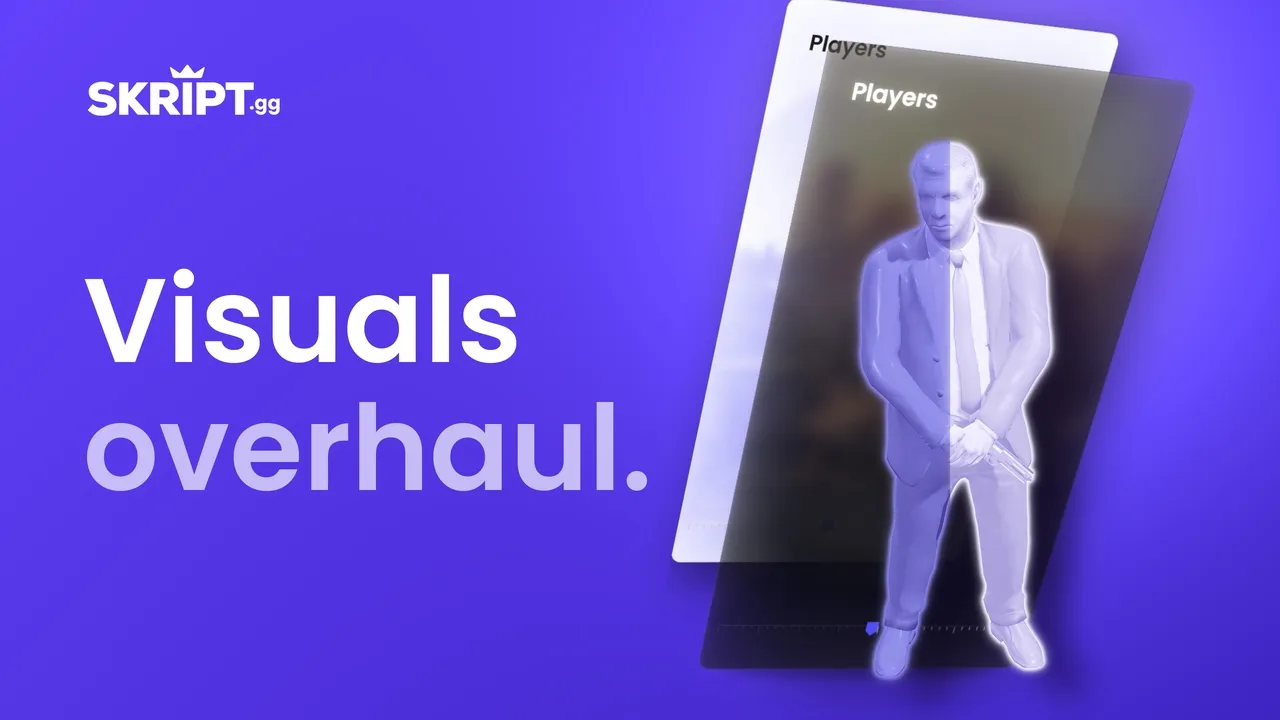
The rebuild has been out for a few months, and we've been quietly fixing and polishing it since. With this update it has everything the old version had, only better, faster and far more customizable. If you're still on the old one, now's the time to switch.
Model highlights
Players and peds can now be outlined or filled on their actual body, in view and through walls. A box is a guess at where someone is. A highlight is their real silhouette, so you read their pose, which way they're facing and whether they're crouched at a glance, even behind cover.
The outline can be off, a line or a glow, at any width. The fill can be a flat colour, or Textured: the character's own look, tinted, with its own colours behind walls. Every group and state can have a highlight of its own. Vehicles and objects get 3D boxes instead.
The Visuals editor
Visuals now open on a live 3D preview: a real GTA character with its box, skeleton, highlight, labels and bars, laid out exactly the way they'll be in game. You edit the preview itself.
Click anything on it to open its settings right beside it, placed so you can still see what you're changing. Drag a label or bar to another side or reorder it, and drop text on the end of another line to put two labels on one. Scroll over text to resize it. Drag it out of the panel to hide it. Hover any part and a hint tells you what it is and what you can do with it.
A wall runs through the preview. Slide it across to see how everything looks behind walls next to how it looks in view, or click the ruler to see all of it behind walls.
The old preview was flat pictures of characters. This one went through four rounds of redesign, and we built our own tools to bring proper GTA characters into it, skin, hair and weapons included. Along the way a hide button and a few switches got replaced by simply dragging things out, which turned out to be the fastest way to do it.
Aimbot and aim marker
Aimbot and vischeck both got better. New is an aim marker on whoever the aimbot is locked on. It can sit on the point being aimed at, anywhere from a square to a circle, filled or outlined, and settles in as it locks and fades as it lets go. Or it can be an arrow or a text card pointing at the target.
Targeted, Cloaked and Dead
Players who are being targeted, cloaked or dead can now look different from everyone else. For each state, keep the normal look, recolor everything in one colour, highlight included, or give it a whole layout of its own in the editor. Cloaked and Dead can also be hidden entirely.
Cloaked means GTA isn't drawing that player. That can be an admin, a mod menu or just the game saving work, so it's a hint, not proof.
Boxes, snaplines, labels and bars
Boxes can be flat or 3D, and can fill: with a colour gradient, by draining as health drops, or by shifting colour with health. Snaplines are in, from the top or bottom of your screen or from your crosshair to the target's box.
Labels and bars have new fonts (small, regular, monospace and bold), text outlines, gradients of up to four colours, and an optional number on the bar, as 100, 100% or 100/100.
Lighter and steadier
Skeletons no longer jitter. Every so often a bone would flick out of place for a frame. Now you only ever see a complete pose.
Skript also uses substantially less CPU and GPU. We replaced the UI library we used with a renderer of our own, made for drawing crowds of boxes and labels together. Highlights only cost as much as the players on your screen, and nothing is redrawn that hasn't changed. On laptops with two graphics cards it now picks the faster one.
Everything else
The crosshair now lives in Visuals, and FOV rings can be filled and use gradients. The colour picker was redesigned, and setting in-view and behind-walls colours is much less confusing. Controls with a hotkey show their second setting peeking out behind them.
New users get a short guided tour: menu key, hotkeys, presets, and dragging and recolouring a label in the preview. You can skip it, or replay it any time from Play the Tutorial.
In case you missed it, NVIDIA streamproof has been live for a while. Load the latest version and it's on by default.
Heads up
Most settings carry over. Cloaked and Dead colours and the vehicle Lock state label need setting up again.
A few things are gone. Hotkeys on single visual elements, like the box, went because elements are now shown and hidden in the preview itself. Bars no longer have separate behind-walls colours, which kept colour editing simple. And the Blur slider went with the blurred menu background, in favour of plain dark glass that's cheaper to draw.