Erase System Traces and self delete
What trace cleaning helps with, whether to keep or delete the loader file, and what the cleaner's beta status means for PC checks.
 100kNov 5, 2026
PC checks
Some servers ask you to get your PC checked if they suspect you're cheating. Staff might look through it manually, use a checker such as Echo, or do both. Echo is one of the better-known names, but there are other tools doing similar things.
That's what Erase System Traces is for: helping clear traces the loader leaves behind on your PC. It helps, but it's still in beta. Turning it on doesn't guarantee you'll pass a PC check.
Where to find the options
In the loader, select Grand Theft Auto 5 and click the cogwheel next to Load Skript. Both Erase System Traces and Self-Delete Loader are in Load Settings. Erase System Traces is off by default. Choose your options before clicking Load Skript. The rest of the settings are covered in the load settings guide.
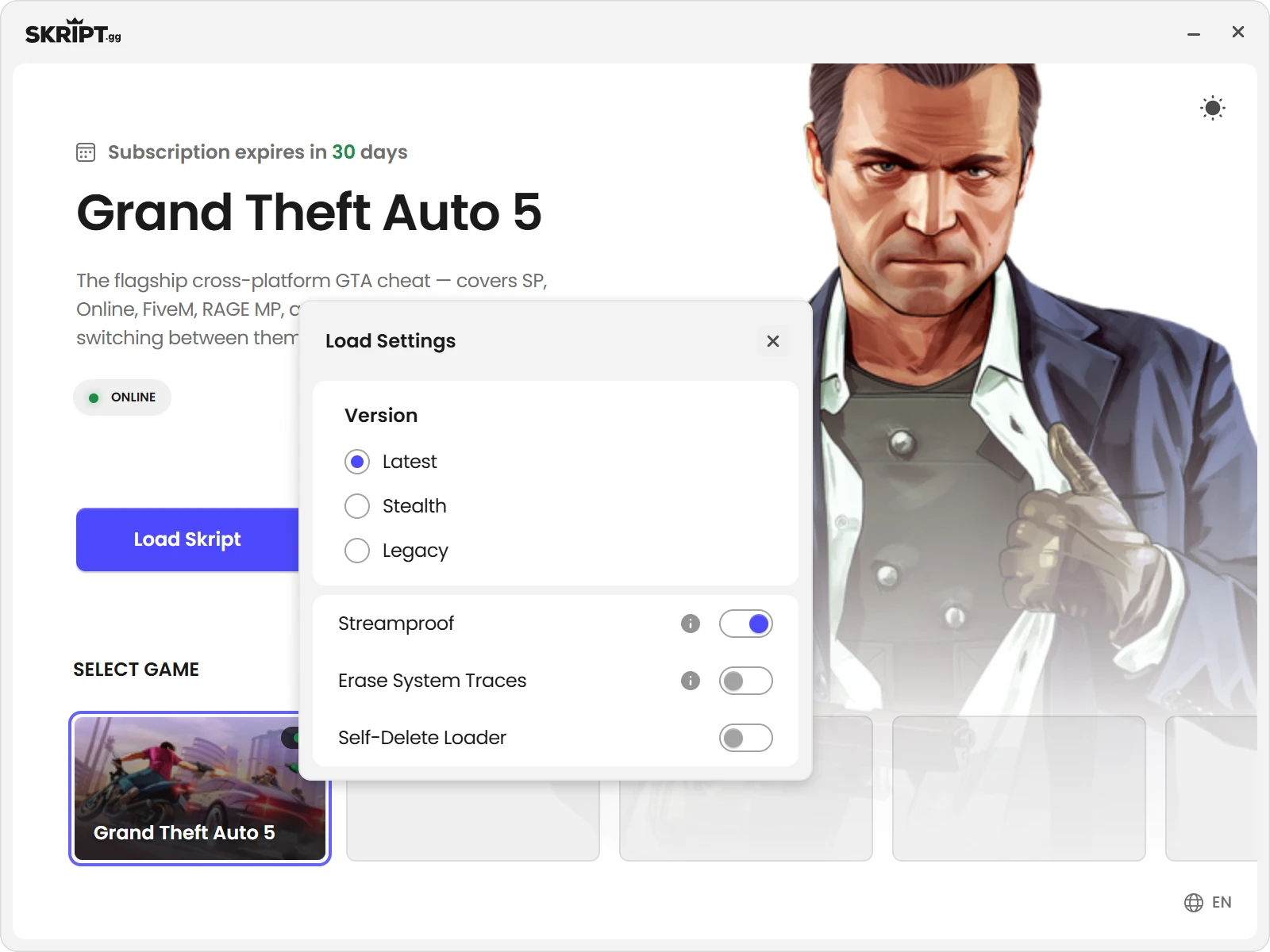

Self-Delete Loader
The loader file itself matters too. If staff find it on your PC, that alone can be enough to get you caught. Self-Delete Loader lets you choose whether to keep the file or delete it after loading in.
Keep the file
Self delete off
Leave it off if you want the loader available for next time. The file stays on your PC, where it can still be found.
Delete after loading
Self delete on
Turn it on to delete the loader file after loading in. You'll need to download it again the next time you want to use it.
These are separate options. Deleting the loader file doesn't mean every trace of it is gone, and trace cleaning doesn't replace deciding what happens to the file itself.
Still in beta
The cleaner is a work in progress. It can leave traces behind, and you shouldn't rely on it to get around every checker tool or even every manual check. It helps reduce what's left behind; turning on both options still isn't a promise that nothing will be found.