ROB RUN, AMD streamproof and one-key groups
ROB RUN is here and free with any sub, streamproof now covers AMD, groups fill from one key in game, plus sharper aim, vehicle fixes and smarter buttons for GTA.
 frdieNov 18, 2026
The visuals overhaul went out at the end of October. Everything we've done since is in this one update: a new game, streamproof on AMD, a much simpler way to build groups, and a long list of fixes from using it every day.
Streamproof on AMD
Streamproof now also hides Skript from Recording and Instant Replay in AMD Adrenalin, the way it already did for NVIDIA's ShadowPlay. If you record or stream on an AMD card, the menu and visuals stay on your screen and out of your clips. It works in both games and is on by default.
ROB RUN, free with any sub
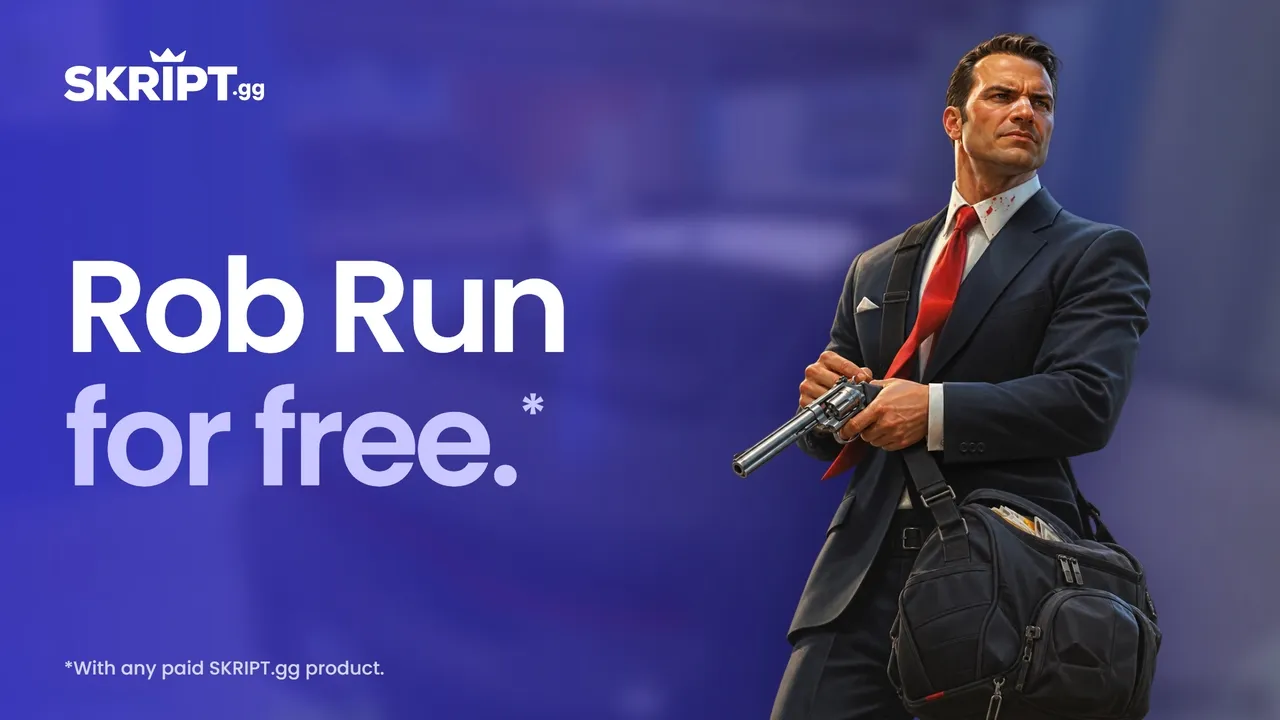
Skript now supports ROB RUN. If you have an active sub for any of our products, it's yours at no extra cost. Everything it does is on the ROB RUN page.
Players get names, skeletons, boxes, distance, snaplines, the item they're holding and their armor. Model highlights know what's actually between you and them: walls, bushes, and glass, where windows that shatter don't count as cover. Cops, Criminals, Civilians and your Clan/Party are separate categories, each with its own look, and downed players are drawn faded.
Loot is grouped by rarity, with prices and a price filter, and you can move single items into another group to give them their own settings. Cars get highlights and their current speed. The aimbot has hitbox groups, separate horizontal and vertical smoothing, FOV and a visible-only check.
One warning: ROB RUN flags players who track people through bushes, keep killing players they can't see, or run an unusually high K/D. Play like you can't see through walls.
Groups, one key away
Groups used to live on their own page in Settings, and adding someone meant opening the menu and hunting for them. Now each group is a row on the Visuals tab it belongs to, right under Players, Peds or Cars, and you can fill it without opening the menu at all.
Aim at someone or something in game and tap F7. Choose the group, or make a new one on the spot, and you're done. Moving someone to another group or taking them out works the same way. If a few things overlap where you aimed, they're all listed, and the list waits until you've picked.
Back in the menu, the number on a group's row opens who's in it. You can search, add from who's been around, and hover anyone to see a box around them in the world. New groups are made the same way as presets and switch on right away, so you see the result immediately. Groups work the same in GTA and ROB RUN.
Aimbot
Head aim now goes for the middle of the skull instead of the top of the neck. The point follows the head as it turns, leans or lies down, so more of your shots count as headshots. On animals it sits on the actual head now, not somewhere in front of its face.
Prediction on moving targets has been reworked. It leads by how long your bullet actually takes to get there, and your own movement no longer drags the aim off target the way it used to. Fast players and cars are a lot easier to hit consistently.
Target groups keep up with your groups. A group you make starts out targeted only if what it came from is, and Friends isn't a target to begin with. Renaming a group keeps its tick. When the aimbot would have taken someone but their group is unticked, they get a greyed out aim marker, and after a second the group's name, so you know why it's holding off.
Visuals
The player box now covers the whole head instead of stopping at the neck. The Dot box style stays fixed on the player or vehicle instead of drifting with the camera, or when a car door swings open. Highlights on people who just showed up or changed model no longer pop in a frame late.
You asked for finer crosshair control, so you have it. Thickness, Gap and Dot size, and the FOV ring's border width, now move in 0.25 px steps, and thickness and border can go as thin as 0.25 px.
Vehicles
Vehicle health showed 0 for every car. It now shows real engine health as a number, a percentage or out of 1000, and the bar no longer breaks when an engine catches fire.
People sitting in cars further away were being treated as hidden, as if the car had no windows. They're visible and targetable through the glass again, for both vischeck and the aimbot.
Cars also keep their real shape now. When a door or bumper breaks off, gets damaged or is repaired, Skript notices, and a part lying on the road no longer blocks your aim or vischeck.
Buttons with settings inside
Some buttons do one thing once: heal, refill ammo, change your plate. Their settings used to sit as loose rows underneath them. Now they're inside the button. The arrow on its right edge opens a small pop-up with its settings, and the button shows what it's set to next to its name, so you can tell at a glance.
Heal tops you up to the health and armor you choose, 200 health and 100 armor by default. It never lowers either one and does nothing while you're dead. Refill ammo takes an amount, up to 250 rounds. Change license plate takes up to 8 characters of your own text, and that text is now saved with your preset. Before, it was lost every time.
A hotkey on one of these buttons now presses it once on Tap, like a click, and repeats while you hold it on Hold. Your old heal, ammo and plate values move over by themselves.
Fixes and smaller changes
Skript now starts each frame as soon as the game has finished updating its own, instead of waiting for the next screen refresh, so visuals sit tighter on moving targets. It also skips some per-frame work it never needed, which helps a little in crowded areas.
The weapon list is sorted by type, then by name. The Visuals preview no longer flickers while it fits the model when you open it. Shift+wheel scrolls sideways only over things that scroll sideways, so holding Shift to sprint doesn't break scrolling. The guided tour's hotkey and group steps are clearer, and the Portuguese “Hold” label is no longer cut short.
Heads up
The pick key is now F7. If yours was still on the old default E, it moves to F7 by itself. You can change it in Settings > General.
Keep the reports coming in Discord. Half of this list started there.